
THE FIELD GUIDE / GUIDE
Deep Dish Dungeon Demo and Save Transfer
The Deep Dish Dungeon demo is free on Steam for Windows and macOS; Microsoft also lists a free PC demo. In June 2026, developer Saulo Camarotti announced that the Steam demo had gained saving and loading, but demo saves do not carry into the full game. The Steam demo description still says there is no save/load, conflicting with the developer update.
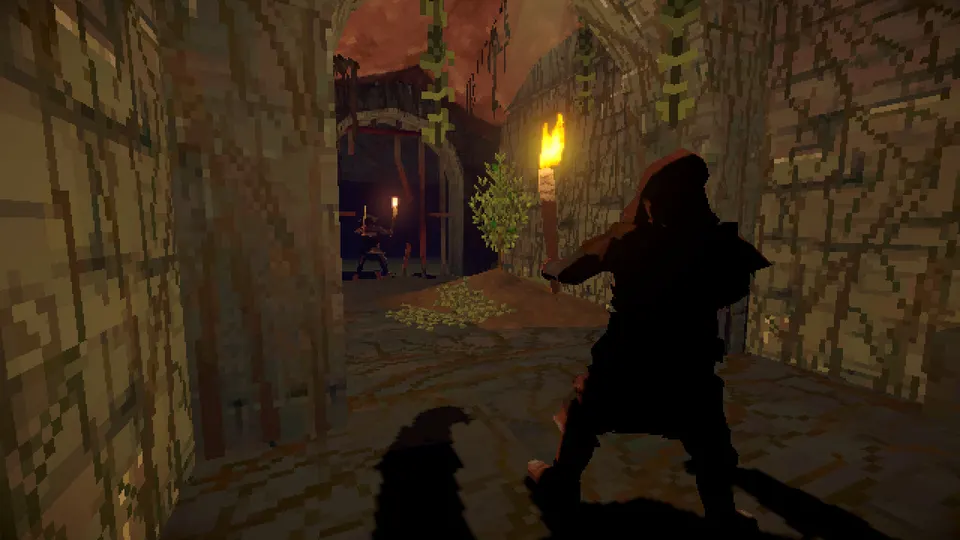
Where to get the demo
Open the dedicated Steam demo listing and choose Install Demo. Steam identifies it as a free demo and lists both Windows and macOS requirements. The full-game Steam page also offers a demo download. Microsoft’s US store has a separate free demo listing whose supported devices are PC and handheld.
The stores’ “around one hour” is an estimate of content, not a verified session timer. The Microsoft demo listing does not list Xbox consoles under supported devices; do not assume the full game’s console availability applies to the demo.
- Check the demo’s Windows or macOS requirements on its Steam listing.
- Choose Install Demo on that listing and launch it from Steam.
- Play solo, or use the demo’s Steam or in-game invitation and session-joining features to try online co-op.
What happens to demo progress?
Raw Fury’s launch FAQ explicitly says the demo save does not carry over. Start the full release as a new game rather than expecting the demo’s dungeon progress to appear there.
In Dev Blog #9, creative director Saulo Camarotti said players could stop, save and load the updated Steam demo later. The v1013 notes describe rejoining a previously joined public session after restarting. These are developer statements, not tests by this site.
The current Steam demo description still says every session begins from scratch without saving and loading; Steam’s API also lists “Save Anytime”. The Microsoft PC demo description repeats the no-save statement, but the sources checked do not establish the installed Microsoft demo’s behavior. Check the save options in your version, and do not assume demo progress transfers to the full game.
| Source | Statement | Scope |
|---|---|---|
| Dev Blog #9, June 12, 2026 | Saving and loading were added to the demo | Steam Next Fest demo; saves do not transfer to the full game |
| Demo v1013 update, June 15, 2026 | A previously joined public session can be rejoined after restarting | Demo lobby update; rejoining a session is not save transfer |
| Current Steam demo description | Each session starts over, without saving or loading | Conflicts with the later developer update |
| Current Microsoft PC demo description | Each session starts over, without saving or loading | A separate listing; current installed behavior was not tested |
Keep the demo and full release separate
The demo and full game are separate Steam products. Older demo walkthroughs describe the demo build, while the full game has since received changes such as patches 1.0.50.0 and 1.0.51.0. Check the version before following an old recipe or recovery tip.