
THE FIELD GUIDE / GUIDE
Cape in Deep Dish Dungeon
Get the Cape from the Wooden Chest beside the Queen’s skeleton, behind the dining hall golden door. Steam patch 1.0.50.0 lists 50% movement-noise reduction for the Cape and 30% for the Scrap Cape.
Updated
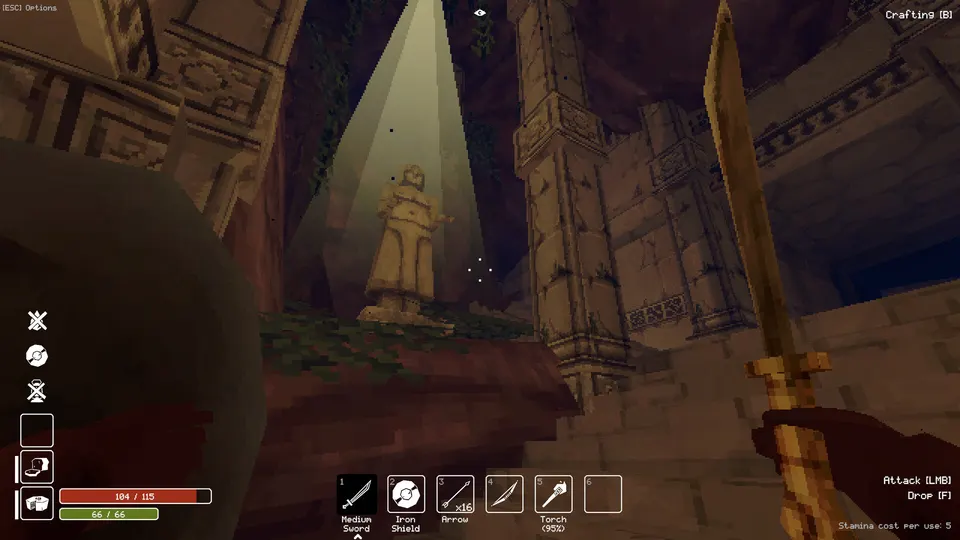
Get the Cape in the Queen’s room
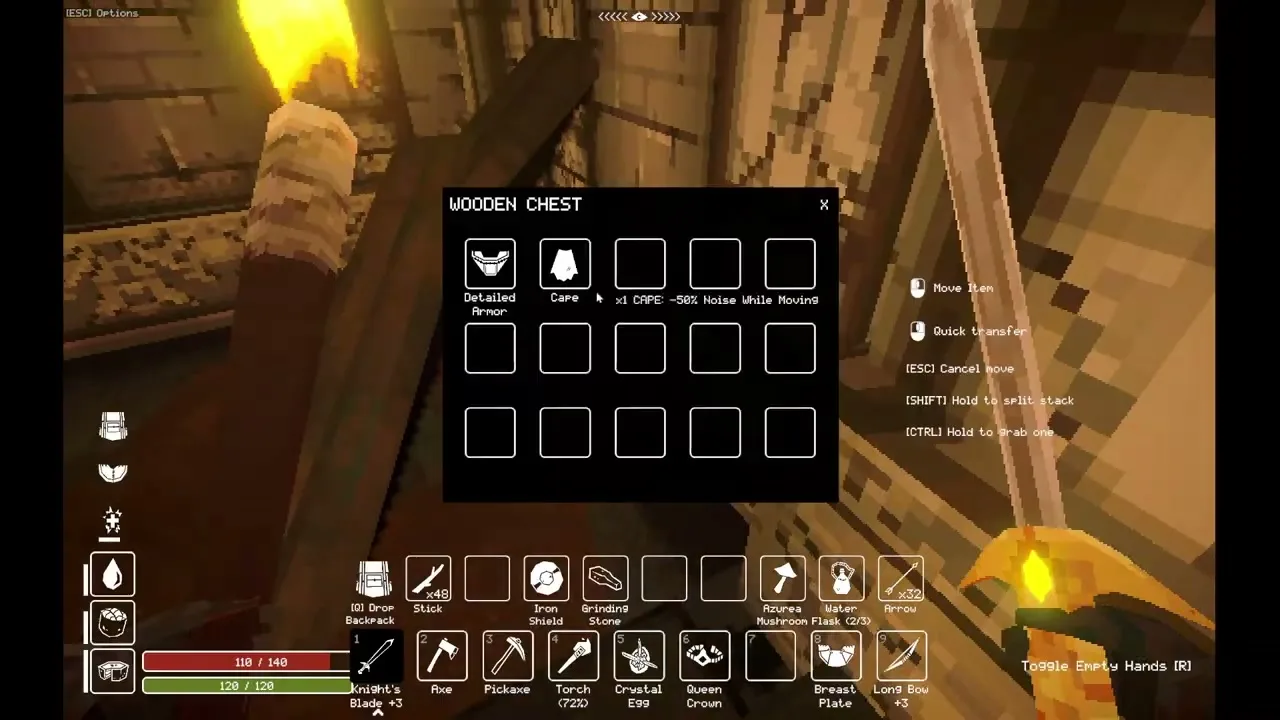
Open the dining hall golden door, then search the Wooden Chest near the Queen’s skeleton. Twilight’s full-game recording shows a Cape and Detailed Armor together in this chest, with the Cape tooltip displaying reduced movement noise.
Be ready for the skeletons to attack if you also take the Queen’s Crown. Check the chest for the Cape before taking the crown if you want to sort your inventory first.
- Reach the dining hall with the three offering stands. Bring a Grappling Hook for access to its upper rooms.
- Use the Cooking Pot to prepare Bean Soup, Stew and Cooked Veggies. PC Game Trace opened the door with two Black Beans for the soup, Raw Meat plus Tomato for Stew, and Tomato plus Wild Pepper for Cooked Veggies.
- Place one of each finished dish on the stands, then go through the opened door on the upper floor.
- Check the Wooden Chest near the two skeletons and move the Cape into your inventory. The chest in Twilight’s recording also holds Detailed Armor.
Find beans for the offering · Find the Iron Shield in the same room
Check the Cape in your main hotbar
Use the ordinary armor setup as your starting point: move the Cape into a main hotbar slot, then inspect its tooltip and any equipped-effect indicators. Armor mod author kvotheous says the unmodified game counts armor in the hotbar; the older demo v1013 item records classify the Cape as armor.
This is a check based on the general armor rule, not a Cape-specific equip test. The available recording shows the chest pickup and tooltip, but does not demonstrate the Cape becoming active; its noise reduction has not been measured here.
A tooltip listing a bonus describes the item, so do not treat that text alone as proof the bonus is currently active.
- Move the Cape out of a chest or backpack-only row into an available main hotbar slot.
- Point at it to read the noise effect, and look for any equipped message or matching effect indicator your version displays.
- If the game does not show an equipped effect, recheck the slot and your other armor before relying on the Cape during exploration.
Cape versus Scrap Cape
The Cape has the stronger listed movement-noise reduction. Steam patch 1.0.50.0 kept its 50% reduction and lowered the Scrap Cape from 50% to 30%.
Reduced movement noise does not promise invisibility or a damage-reduction bonus. Do not assume its percentage simply cancels a heavy armor penalty; the combined calculation has not been checked.
Compare these values with the tooltip in your own game, especially on another platform. The older demo data gives Scrap Cape 50%, which predates the Steam change.
| Item | Listed reduction |
|---|---|
| Cape | 50% |
| Scrap Cape | 30%; previously 50% |